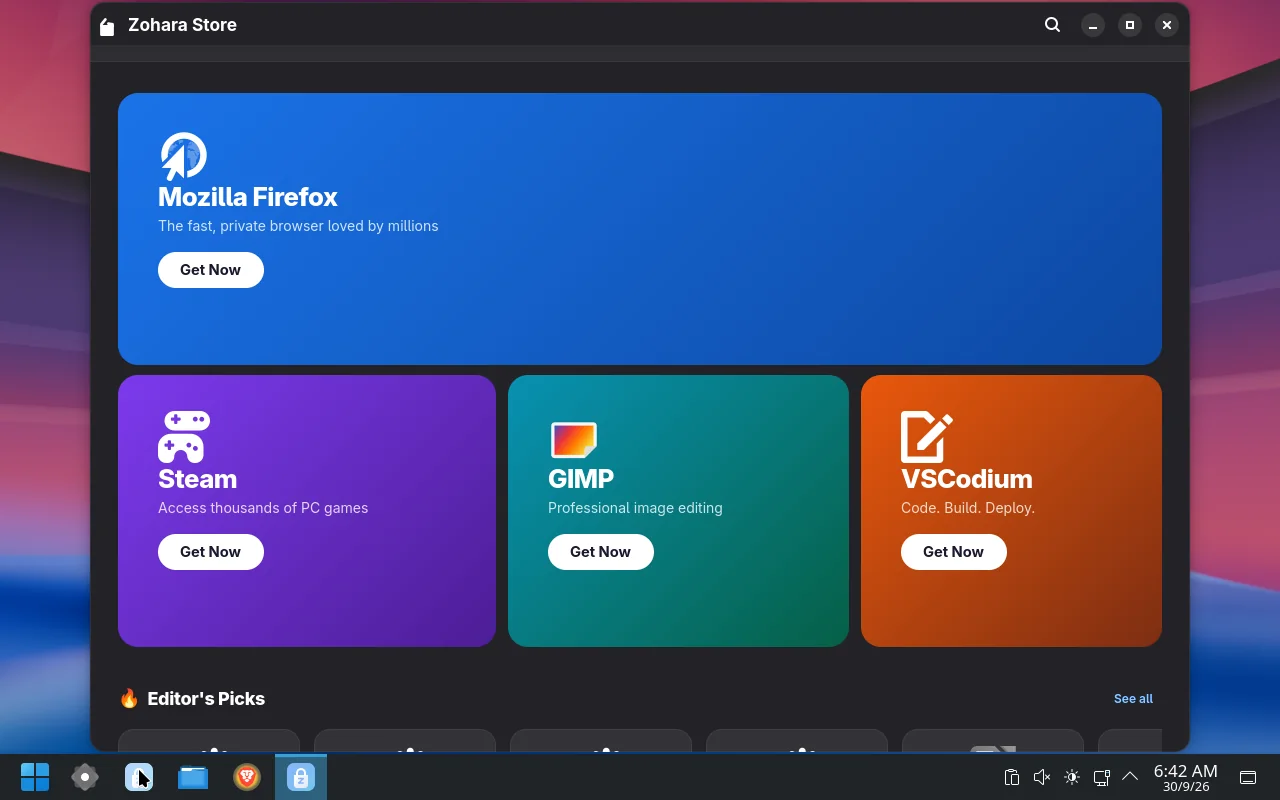
Zohara Store installs apps and handles updates. It shows what is changing, lets you choose what to update, and offers a way back if an update goes wrong.
store
The Store.
02Where apps come from
Many sources, one list.
A
System repositories
Arch Linux’s official repositories.
B
Community builds
A large set of prebuilt community apps (Chrome, Spotify, VS Code, Zoom and more).
C
Flathub
Sandboxed apps from Flathub, added for you the first time it is missing.
The AUR, with a warning. The newest builds can also search the AUR (community-made, not reviewed by Zohara). Before anything is built, the Store shows a warning with Cancel as the default, lets you read the real build script, and only then offers to build and install it.
03Updates
You decide what updates.
Updates follow a date that the project approves, not the raw Arch stream. The approval list is signed, and a machine checks the signature.
Snapshots around every change. On Btrfs, a snapshot is taken before and after every package change.
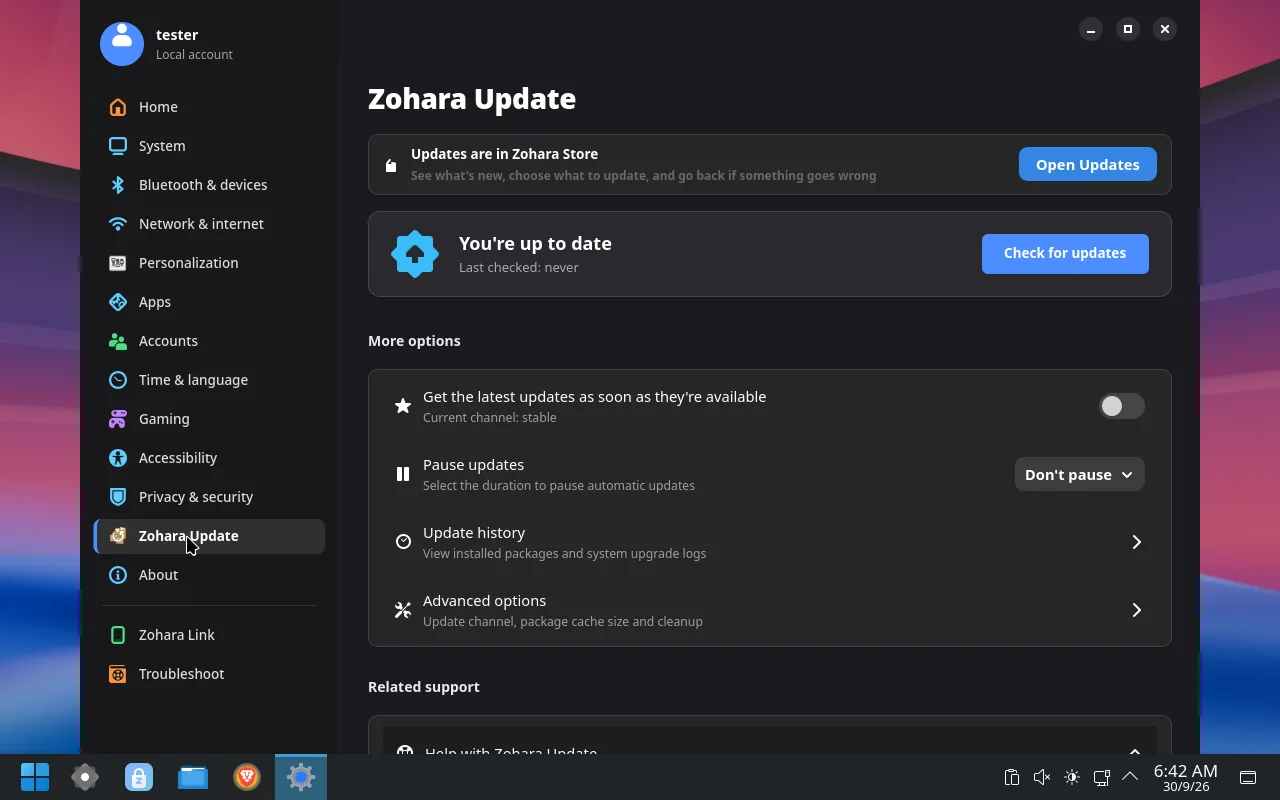
A channel picker. A computer follows one channel; you can change it on the Updates page.
Separate on purpose. Settings updates the system; the Store updates Flathub apps. They are separate programs, so one cannot break the other.
updates
Updates: pick a channel, choose what to update, undo the last update.
 Zohara OS